PowerPoint assistant

PowerPoint assistant

new

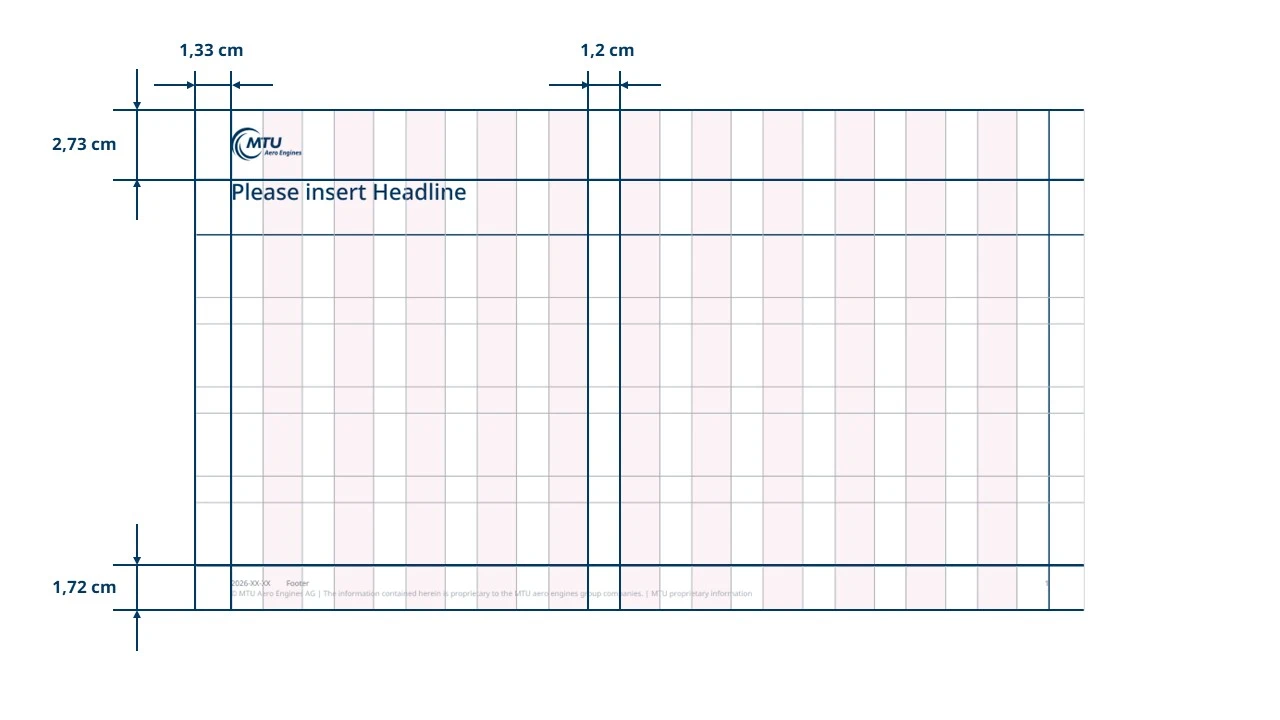
The layout of all MTU presentations is based on the templates stored in the PowerPoint assistant. These templates are available in 16:9, and portrait format. All relevant basic settings such as font, font size, line spacing, colors, etc. are already preset in the templates. The colors and style of the templates comply with MTU’s style guide.

The Presentation Assistant is an essential part of the MTU templates as part of the corporate design guidelines and must be used both externally and internally for the presentations. This ensures that MTU has a uniform appearance.

If you need pictures, try to make sure the image quality is as high as possible. When your presentation includes charts and tables, ensure that they are displayed clearly and choose only colors from the MTU scale. Stick to the margin specifications and the font size. Only by observing these requirements can we ensure that we always present MTU in a standardized, professional light – both within the company and to the outside world.

Font colors and sizes

new
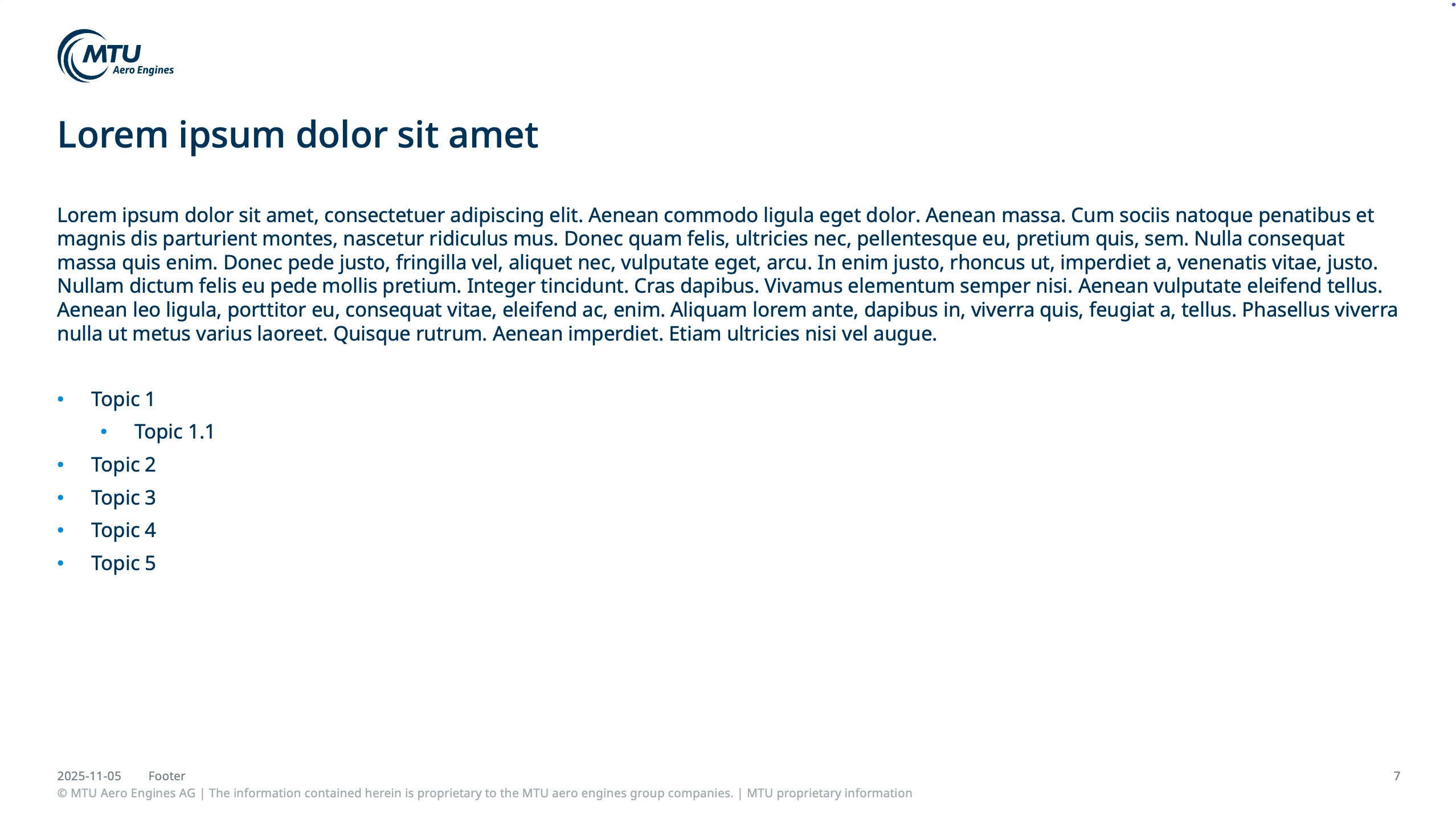
  • Headings: MTU dark blue, Noto Sans Medium 24 point
  • Font color for body text: MTU dark blue, Noto Sans 13 point normal
  • Labeling of diagrams, graphics: black Noto Sans 12 point normal, lines: MTU gray-2
  • Standard coloring of boxes: MTU dark blue, lines: MTU gray-2
  • Bullets: dots in MTU sky blue (can be found in the first level of text), sub-bullets are also shown with dots in MTU sky blue (text level two to four)

Additional colors

new

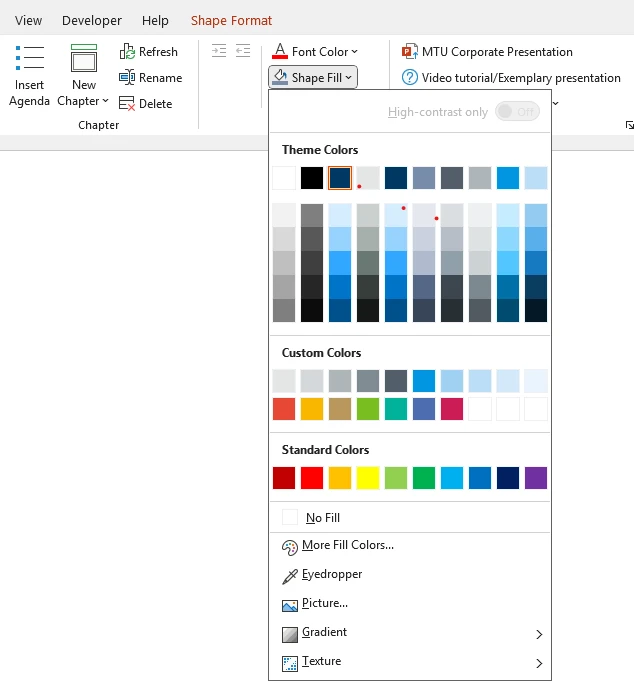
For all color accents and, for example, the color sequence in diagrams, MTU design colors and custom colors are used, the whole MTU color palette is pictured here.

Designgrid

new

Examples

new
Examples

Cover page with new default cover image and the option to insert a campaign or customer logo in the bottom right-hand corner

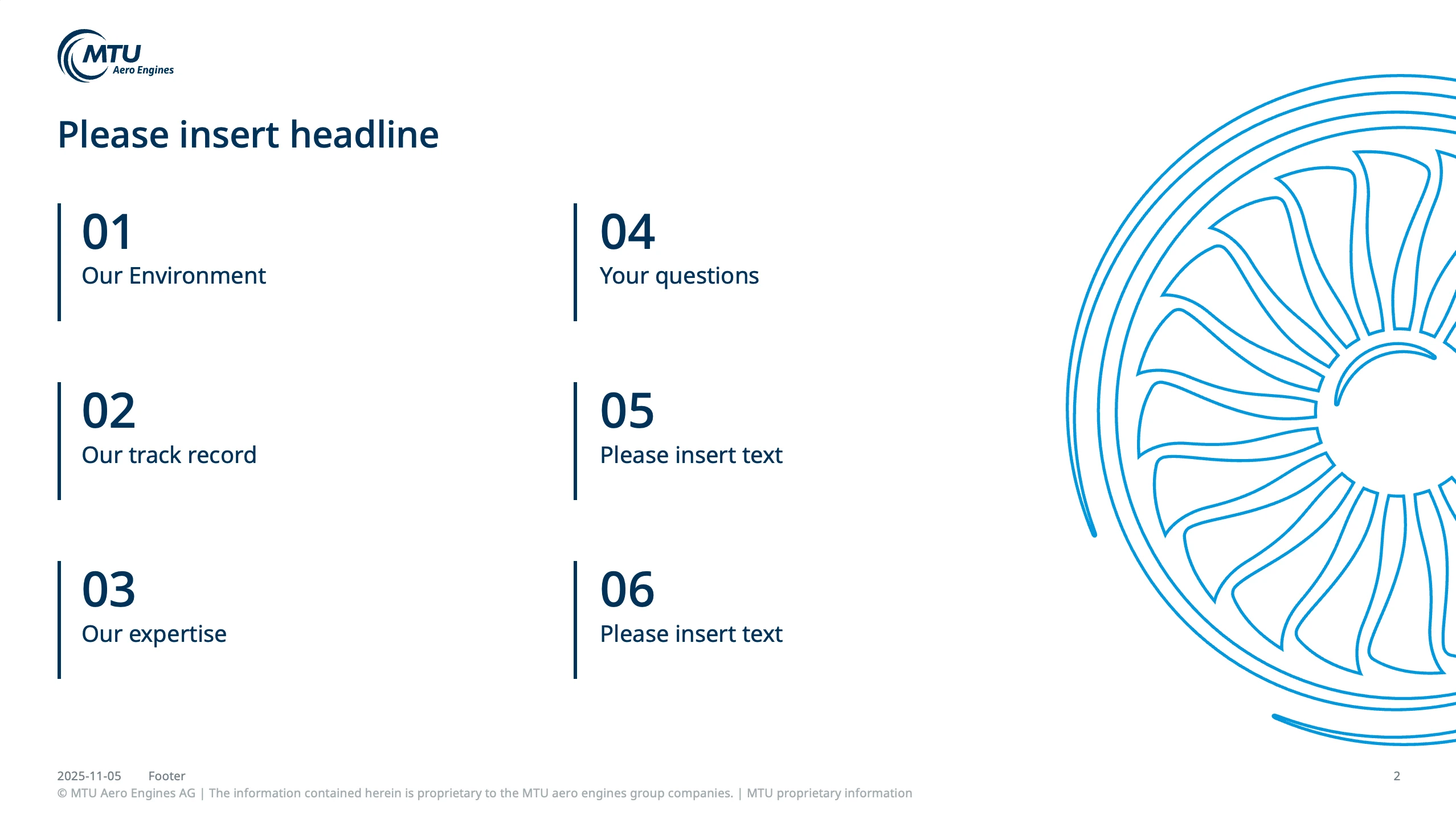
Agenda

Title page chapter

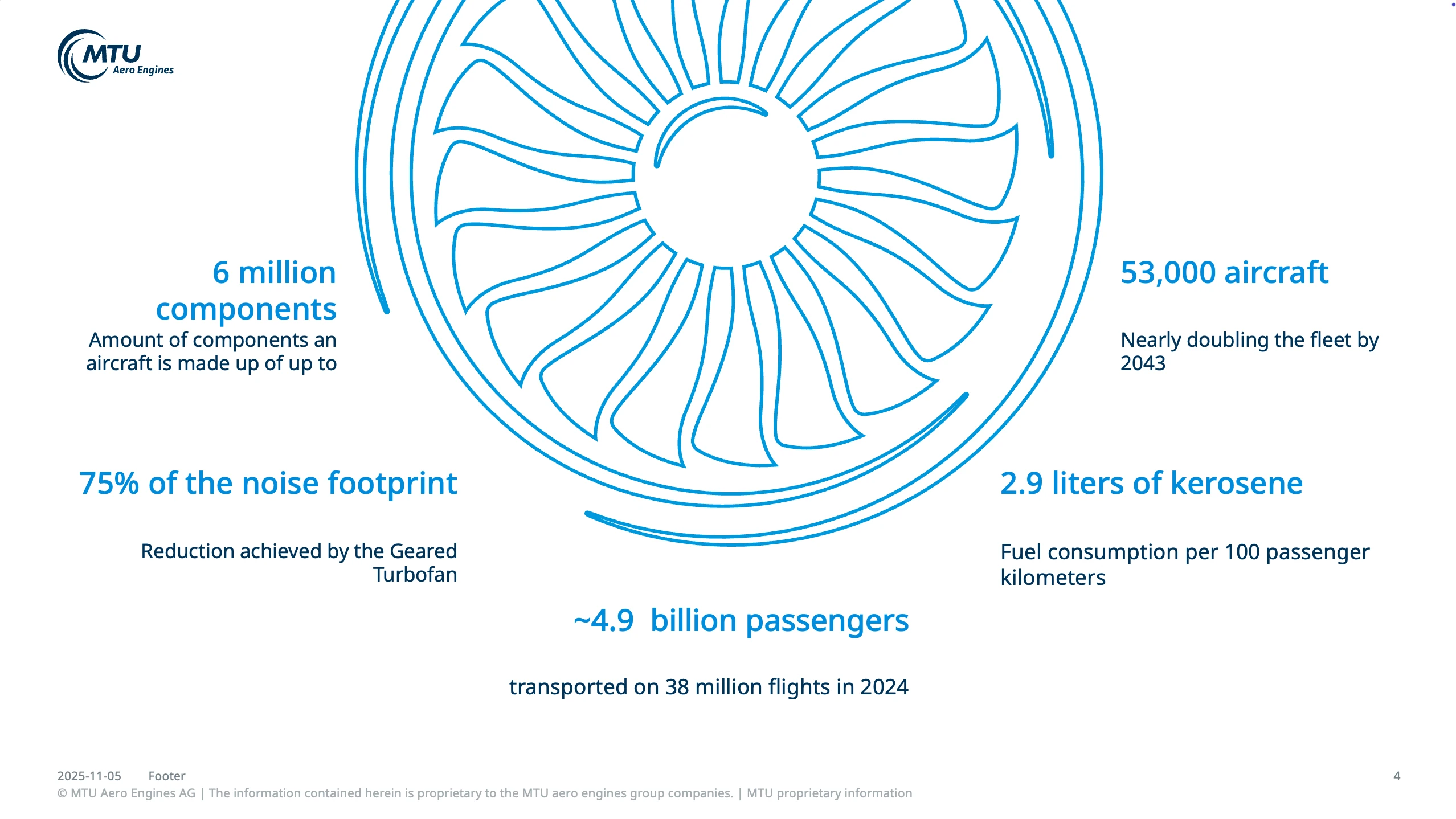
Facts slide for presenting various facts as bullet points

Content page with bullet points and highlighted text in MTU sky blue

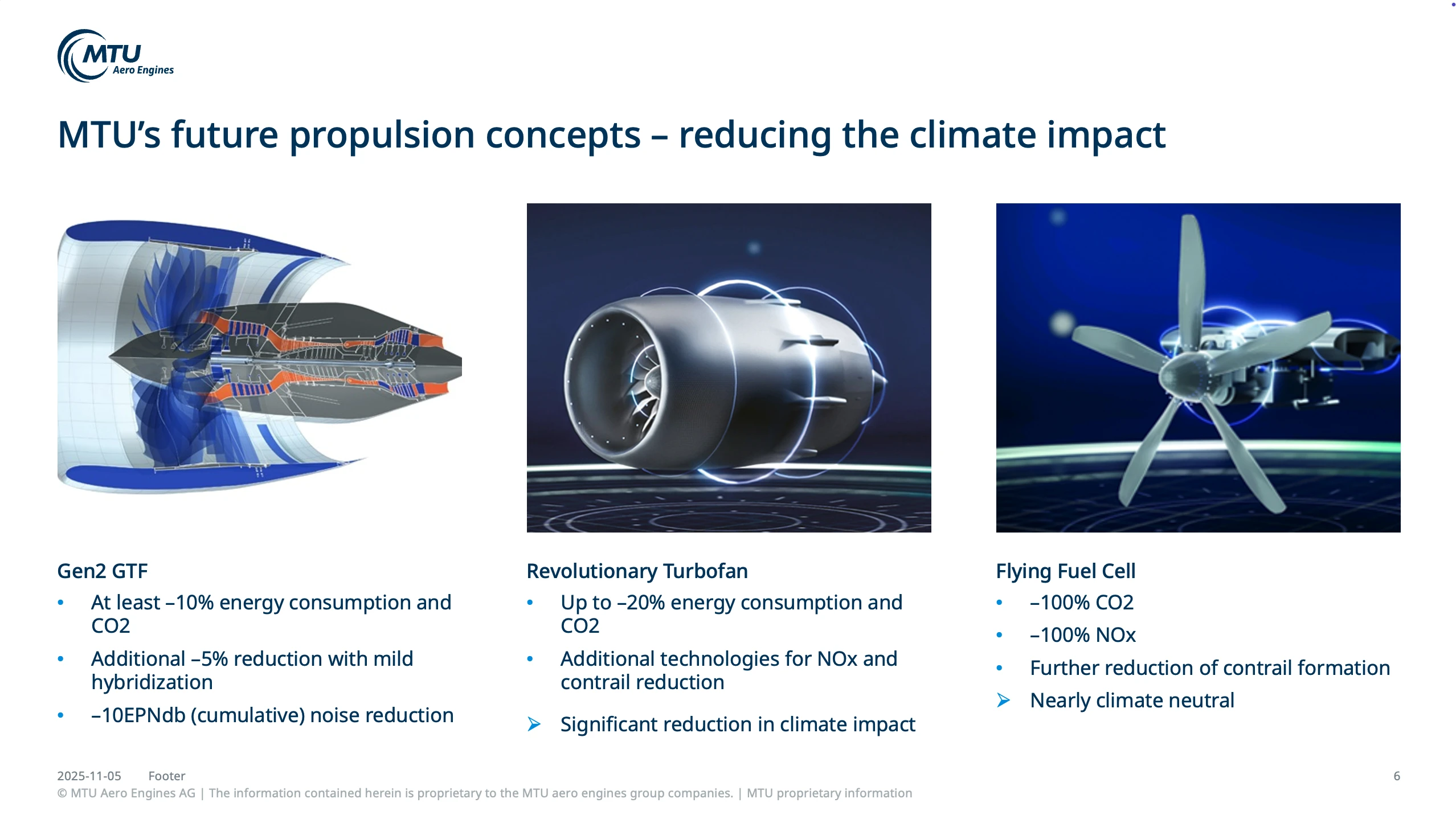
Content page with images and text

Content page

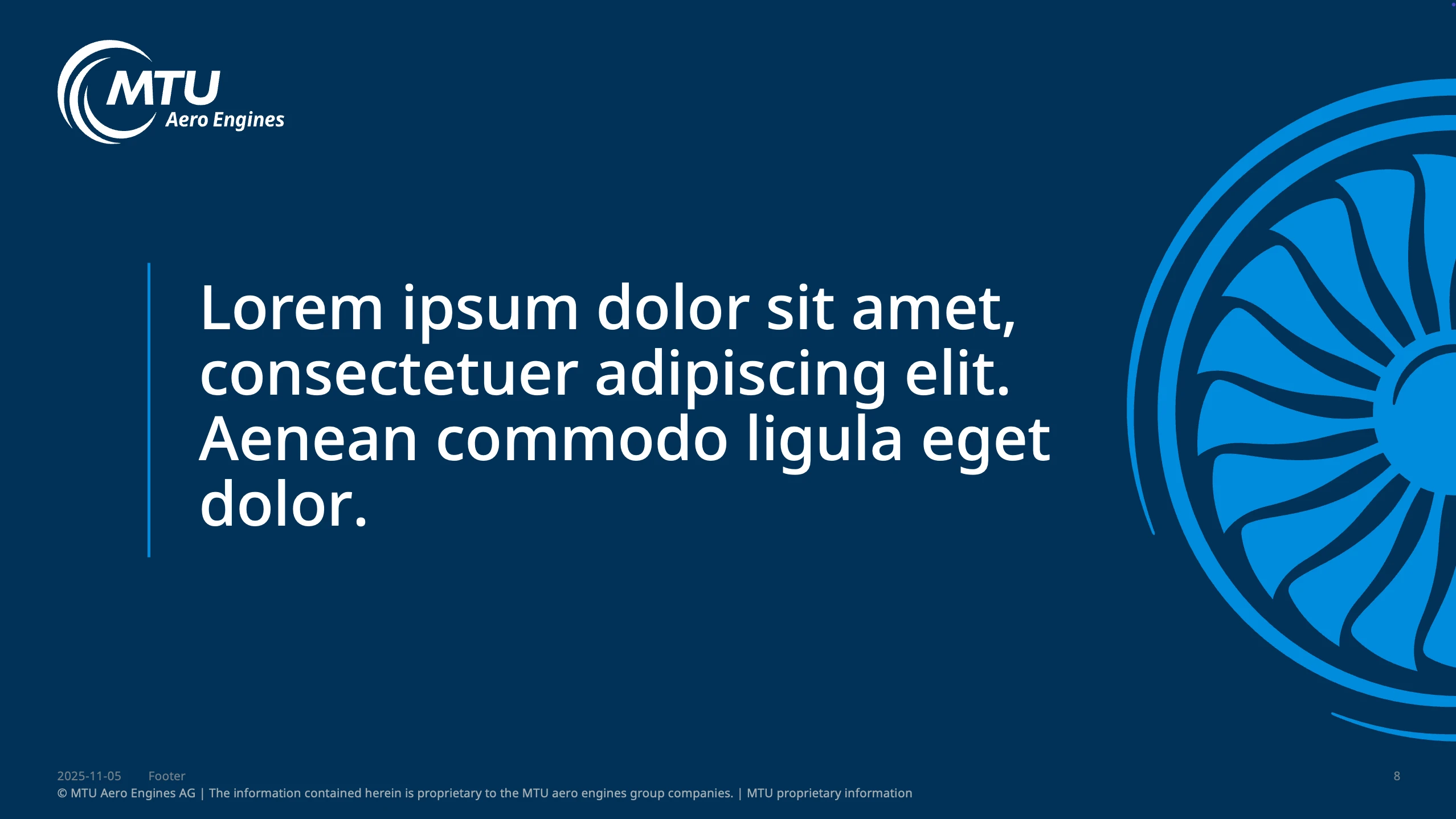
Quote slide

Option to present contact details